 Parda




Behind the curtain
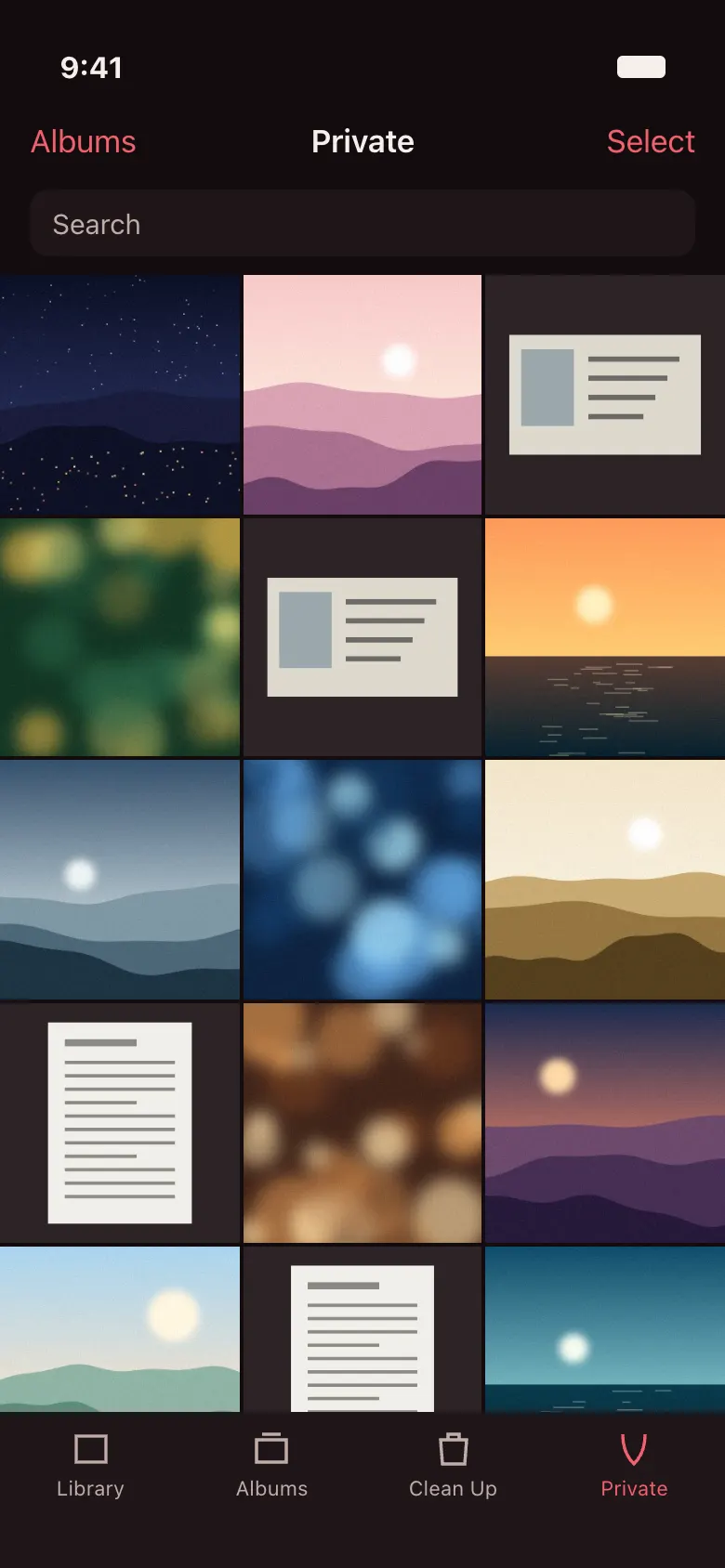
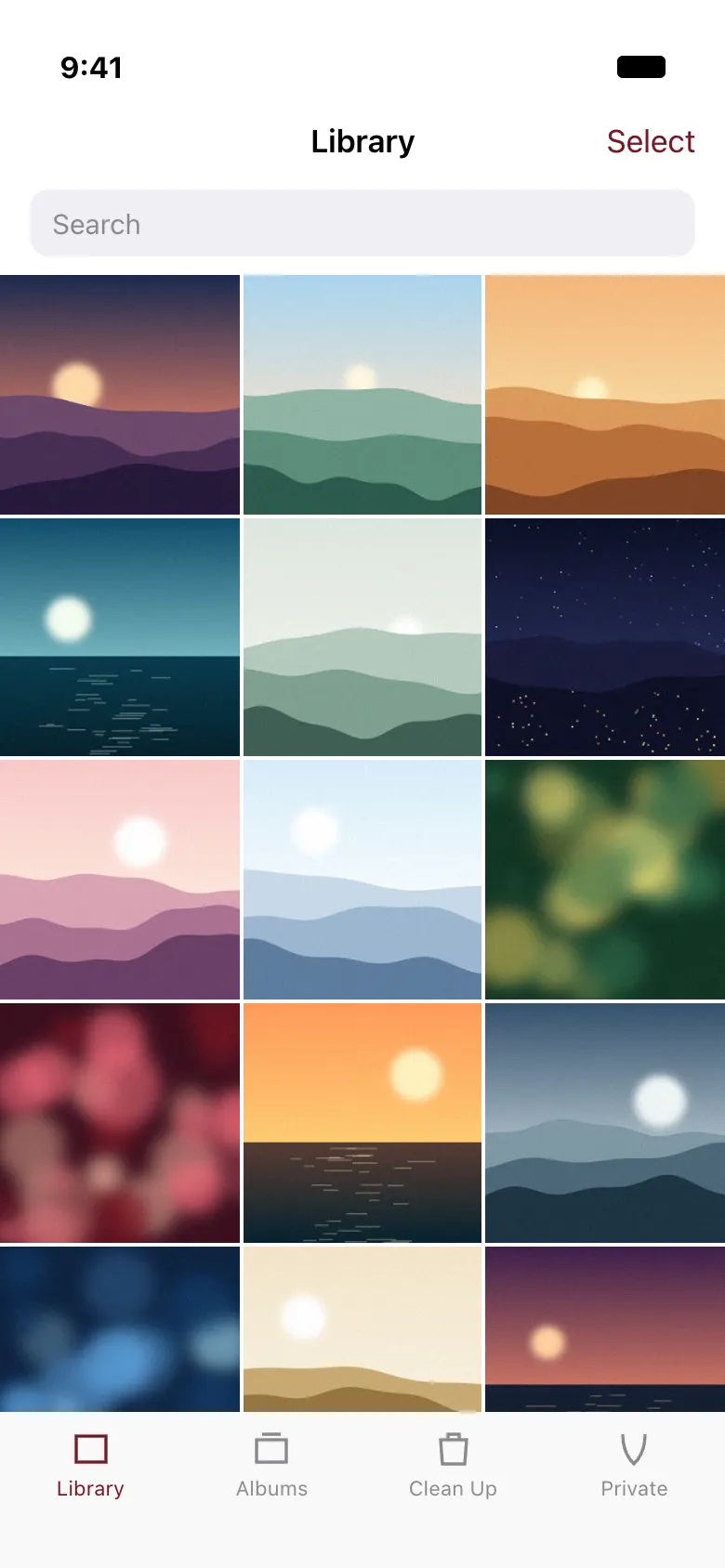
Parda is an iPhone gallery with a private room behind it. The name means curtain in Uzbek.
Coming soon to the App Store
How it works
-
First, pick your photos
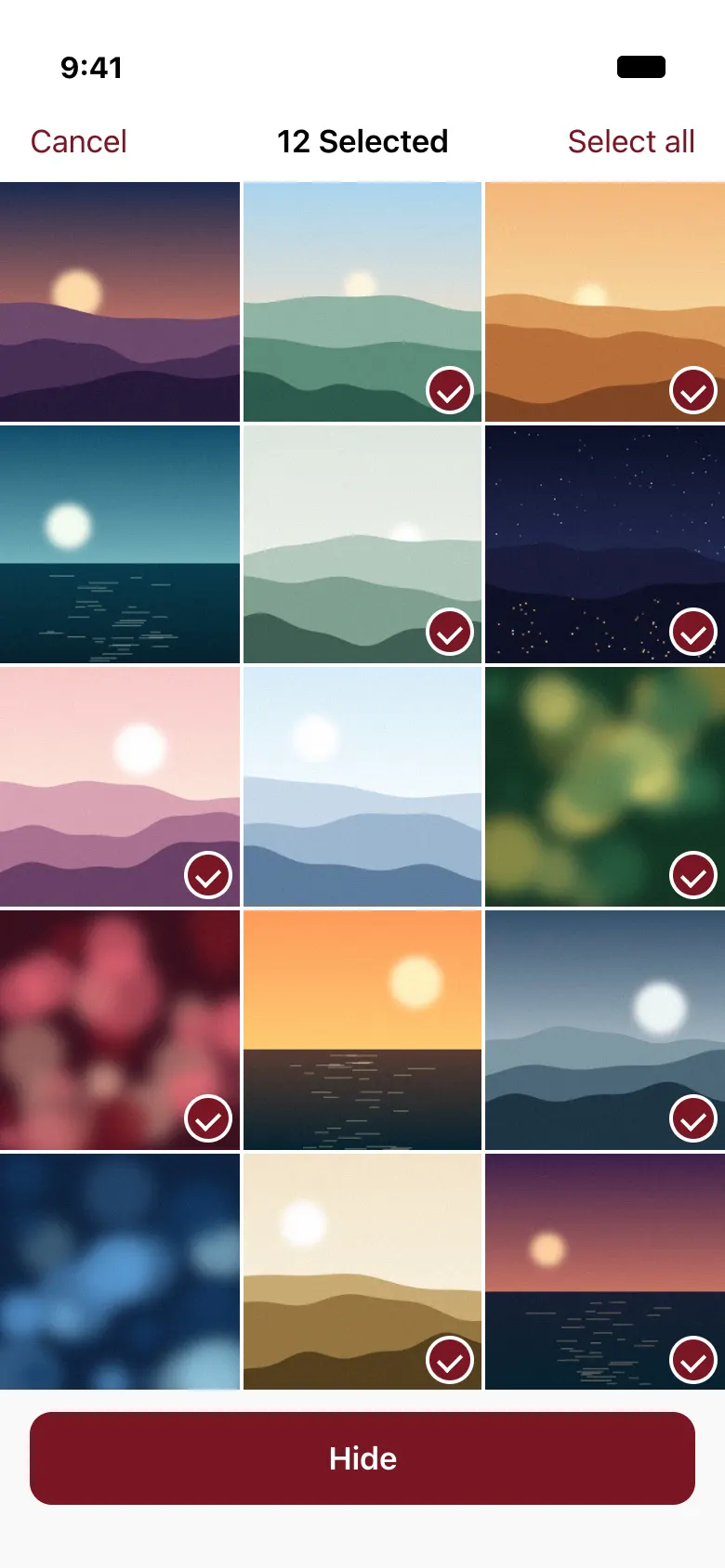
Parda is your everyday gallery. Select what you want out of sight and tap Hide. The first time, you set a passcode and save a recovery key.
-
Then they go behind the curtain
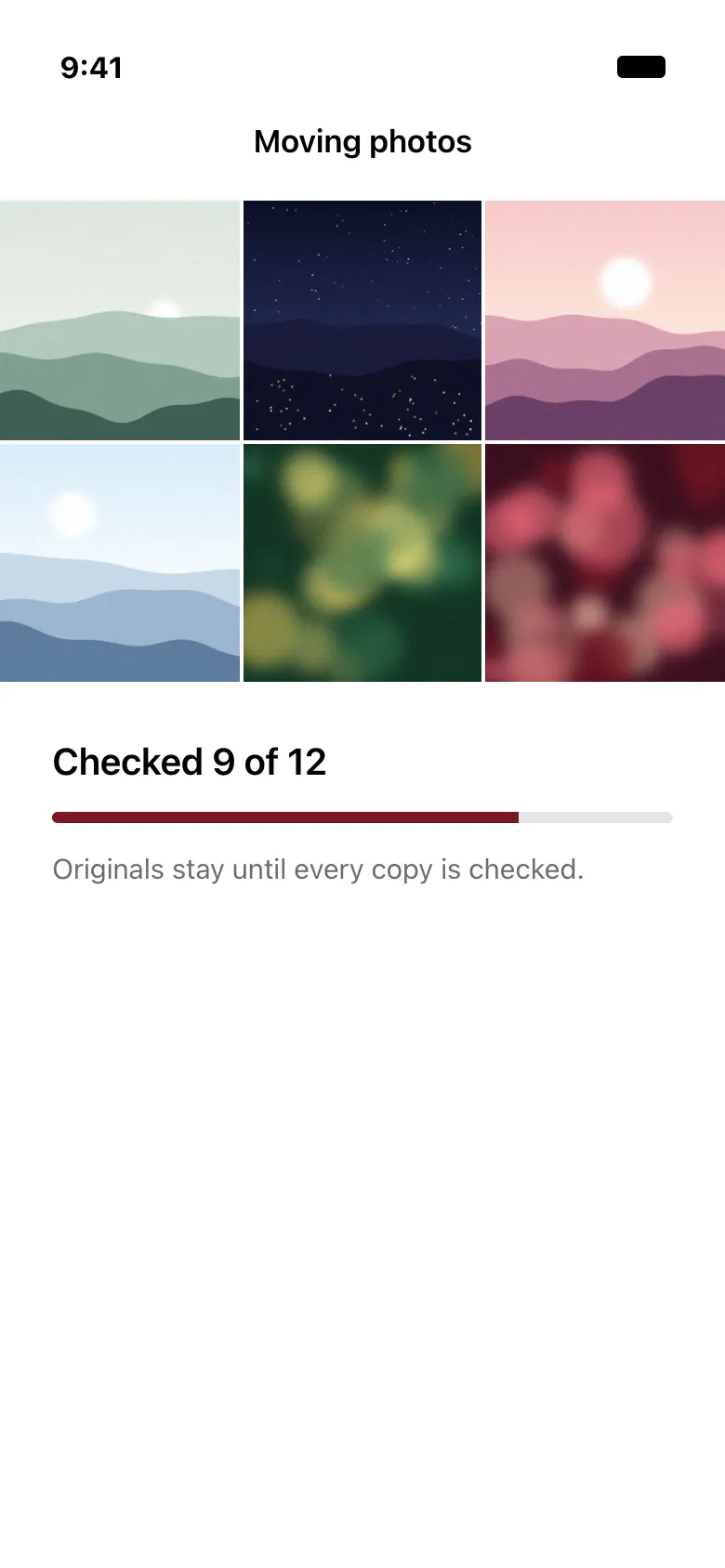
Parda copies each item into the room, encrypts it on your iPhone and checks the copy. Then iOS asks you to delete the originals.
-
Open the room when you want it
The room holds photos, videos, Live Photos and documents. Your passcode or Face ID opens it. It closes when you leave the app or lay the phone face down.
Stealth mode
Turn it on and Parda looks like a plain gallery. The Private tab and Hide buttons disappear, and only your knock or word opens the room.
Tap a rhythm on the screen title, four to ten taps.
Type your word in the gallery search field and submit it.
- A wrong knock or word does nothing and shows nothing.
- The right one brings up the passcode or Face ID prompt, so the room stays locked until then.
- You turn stealth on inside the room: choose an action, repeat it twice and confirm your recovery key is saved.
- It turns off inside the room, or in Settings with your recovery key. Parda starts in open mode, with every feature in plain sight.

Enter your passcode
or use Face ID
Try it. Knock a rhythm on the word Library, four taps or more.
What happens to your photos
- Parda copies the original into the room. A Live Photo keeps its still and its video.
- The copy is encrypted on your iPhone with AES-256-GCM, using Apple’s own CryptoKit.
- Parda reads the copy back and compares it with the original. If the check fails, the original is never deleted.
- Only then does iOS ask, in one system dialog, to delete the originals.
- The originals wait in Recently Deleted for 30 days, like any photo you delete. Empty it if you want them gone sooner.
Nothing goes to us. There are no accounts and no servers of ours, and the app has no network code of its own.
Deleting the app deletes your hidden files unless you have a backup. Without your recovery key nobody can recover them, and we can’t either.
Three kinds of backup
- .parda file
- Make one any time, for free, and keep it wherever you like. Restoring it needs your recovery key.
- iCloud Backup
- With Pro, a one-way copy of your encrypted files goes to your own iCloud. It stays off until you turn it on.
- iPhone backup
- Parda’s encrypted files are part of your normal iPhone backup, and your passcode opens them after a restore.
Settings you control
Close the room when the phone lies face down
On by default. The room also closes whenever you leave the app.
Remove location when I share a photo
On by default. The copy you send carries no location. The file in the room stays as it is.
Blur faces when I share a photo
Images only. Faces can be missed, so check the preview before you send. The original stays untouched.
Open the room with Face ID
A shortcut that accepts any face enrolled on this iPhone. The passcode always works too.
Back up to my iCloud
Pro. Encrypted files use your own iCloud storage, and your iPhone files stay as they are.
Clean Up
A gallery tool for the clutter in your library. It stays in the tab bar in stealth mode too.
Each group leaves the best shot unticked: a favourite first, then the highest resolution, then the newest. Favourites are never preselected.
Copies of the same picture, side by side, so you see what you are removing.
All your screenshots in one place, ready to go through.
The videos most likely to be taking up space. Sizes can be approximate.
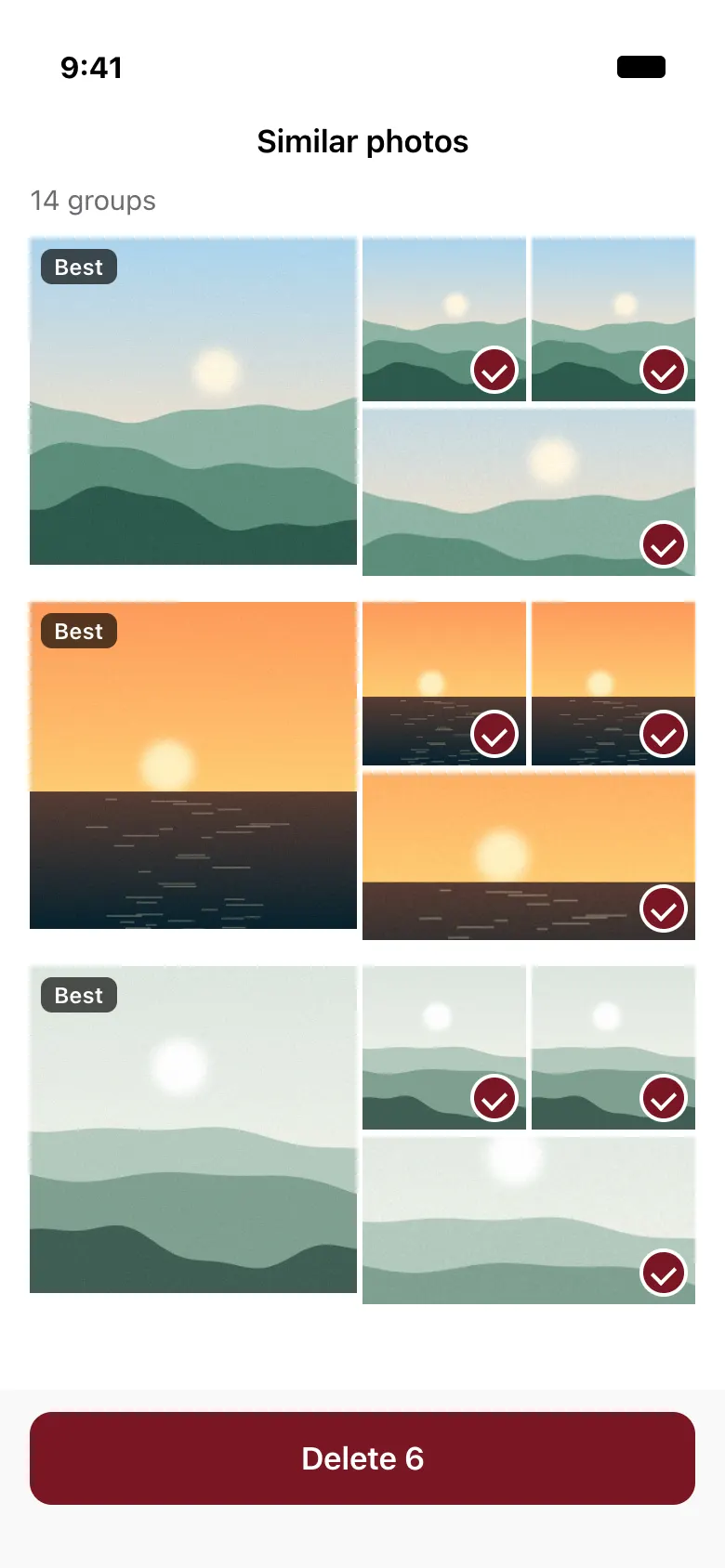
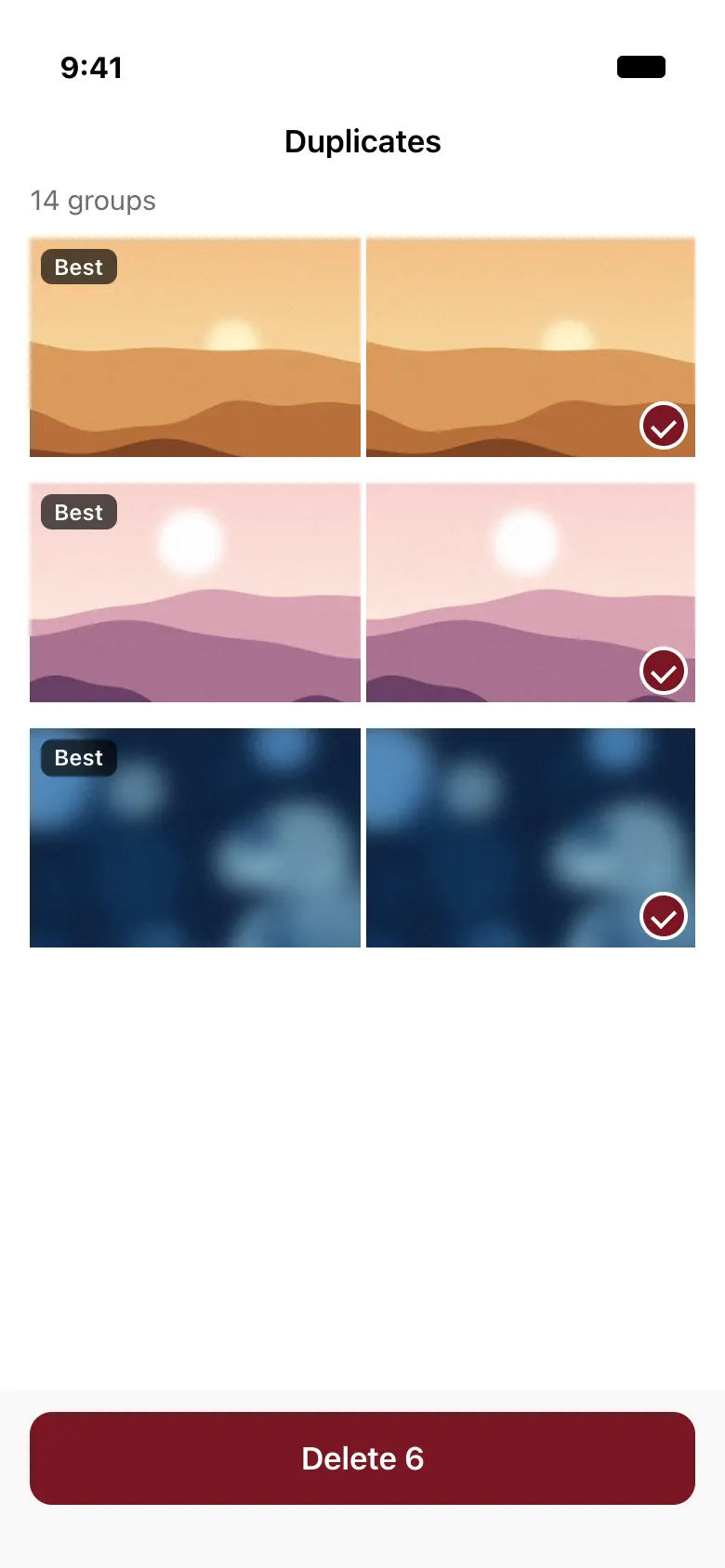
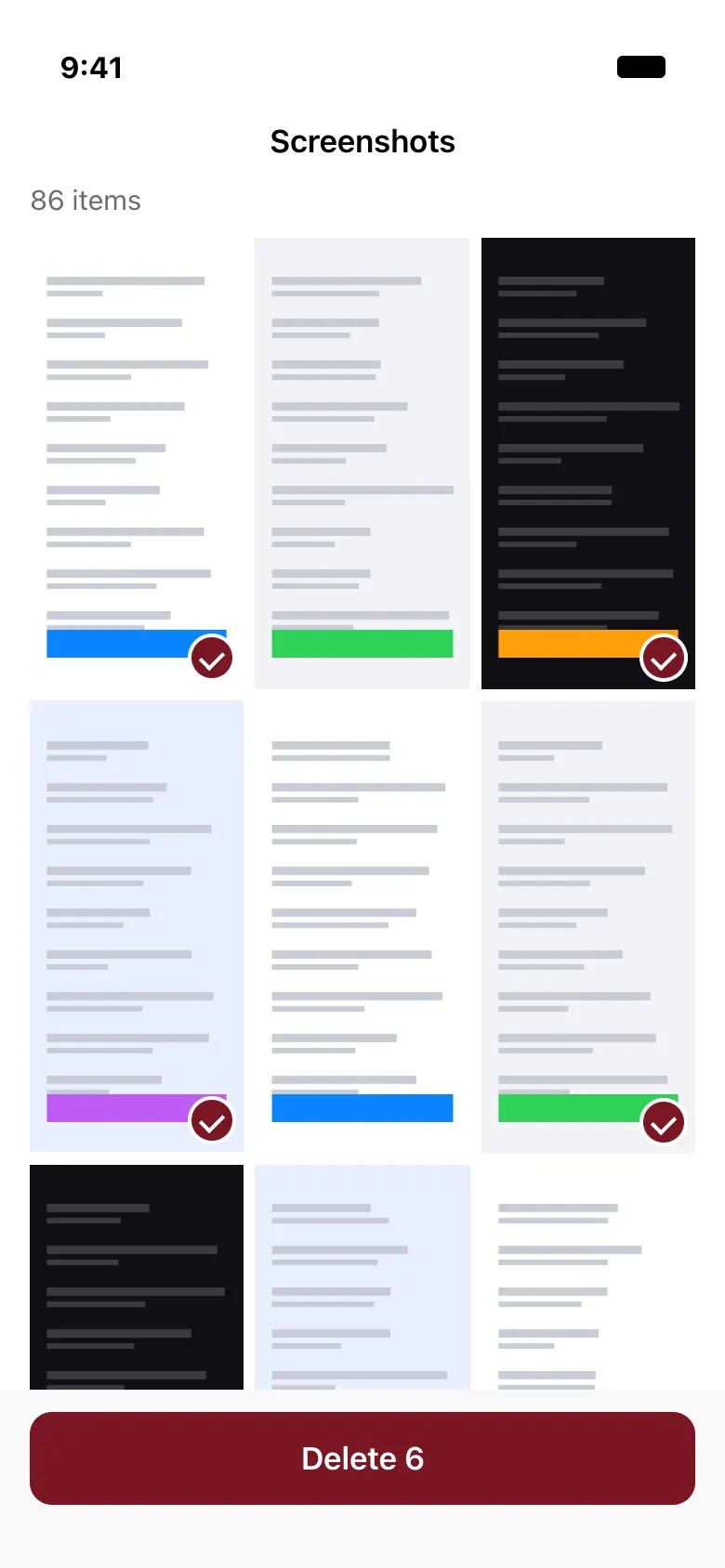
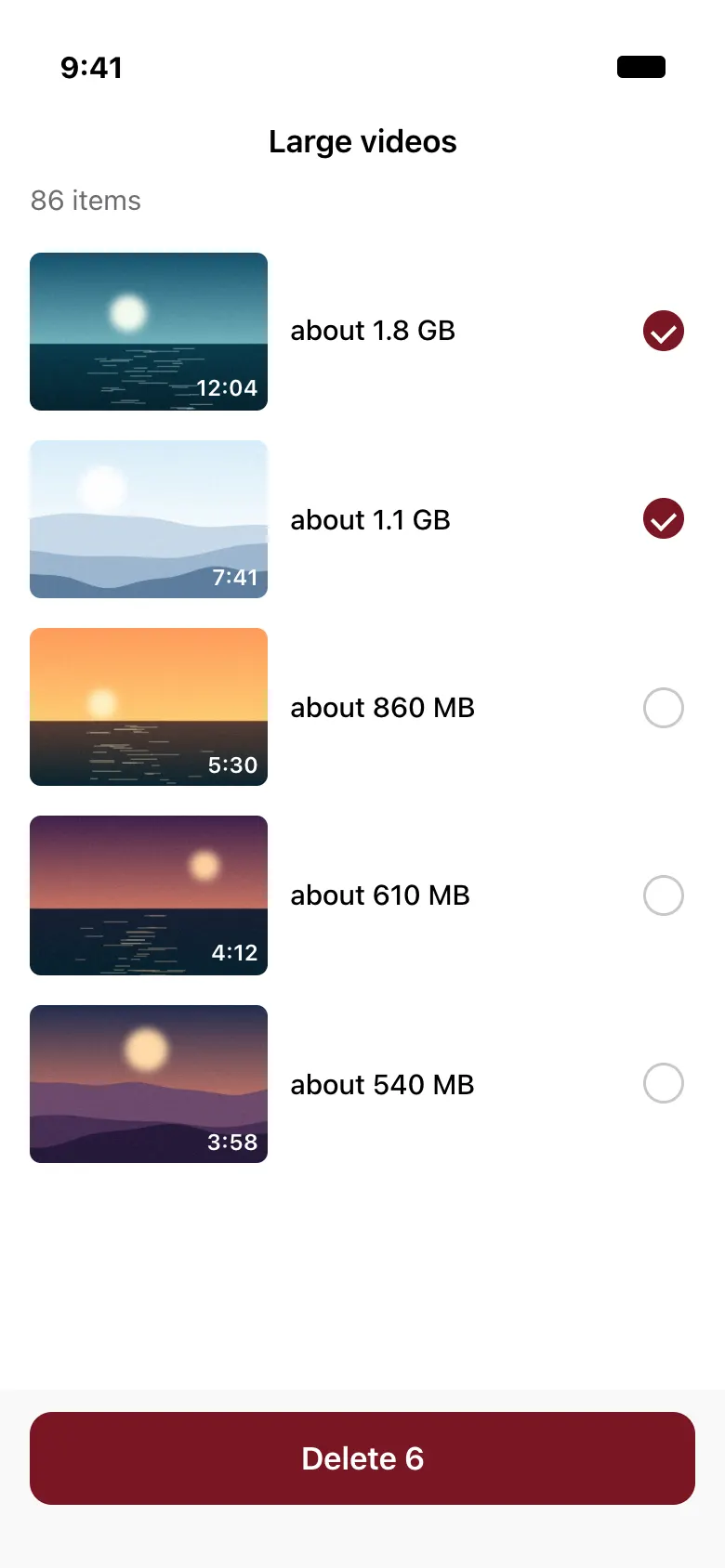
- Nothing is ever deleted automatically.
- Deleting goes through the iOS dialog, and items stay in Recently Deleted for 30 days.
- Scanning and reviewing are free. The free tier deletes 50 items in total.
- All analysis stays on your iPhone.
What it costs
Pro adds unlimited items, unlimited albums, unlimited Clean Up and automatic iCloud Backup.
- Free$050 items in the room, 1 hidden album and 50 Clean Up deletions.
- Pro monthly$3.99a month
- Pro yearly$19.99a year
- Pro lifetime$39.99once
You never pay to view, export, make a manual backup or restore. If Pro ends, everything stays usable and only adding past the free limit stops.
US prices, which may vary by region. Subscriptions renew automatically until cancelled. Read the terms
The hard questions
PasscodeWhat if I forget the passcode?
Use your recovery key to set a new one. After five wrong tries Parda makes you wait, from 30 seconds up to an hour, and it never wipes your files. If you lose both the passcode and the recovery key, nobody can open the room, and we can’t reset it for you.
StealthWhat if I forget my knock or word?
Open Settings in Parda, choose Enter Recovery Key and type your key. Stealth mode turns off and the Private tab comes back. The room still opens with your passcode or Face ID.
DeletingWhat if I delete the app?
Your hidden files are deleted from the iPhone with it. They come back only from a backup: a .parda file, iCloud Backup, or an iPhone backup made before you deleted the app. A .parda file and iCloud Backup also need your recovery key. With no backup, the files are gone.
New iPhoneHow do I move to a new iPhone?
If you restore an iPhone backup, Parda’s encrypted files come with it and your passcode opens the room. Or install Parda, make a new room, then restore a .parda file or iCloud Backup with your old recovery key. Restoring is always free. Set up Face ID again on the new phone.
iCloudWhat does iCloud Backup do?
It keeps a one-way copy of your already encrypted files in your own iCloud, using your iCloud storage. It needs Pro and it is off until you turn it on. Parda cannot see those files, and without the recovery key nobody can open them. It is a backup and it never syncs: nothing on your iPhone changes. Turning iCloud off or deleting the iCloud data removes this backup.
Who can seeWho can see my photos?
Photos in the room open with your passcode, or with a face enrolled on the iPhone if you turn Face ID on, so anyone who has those can see them. We can’t: there is no account and nothing is sent to us. Photos you have not hidden stay in your normal library, and hidden originals stay in Recently Deleted for 30 days unless you empty it.
Pro endingWhat if I stop paying?
Everything in the room stays. You can still view, export and make a manual backup. Going over the free limit only stops you adding more.
Parda
Coming soon to the App Store